 Bulgarian
 Croatian
 Czech
Czech
 Danish
 Dutch
Dutch
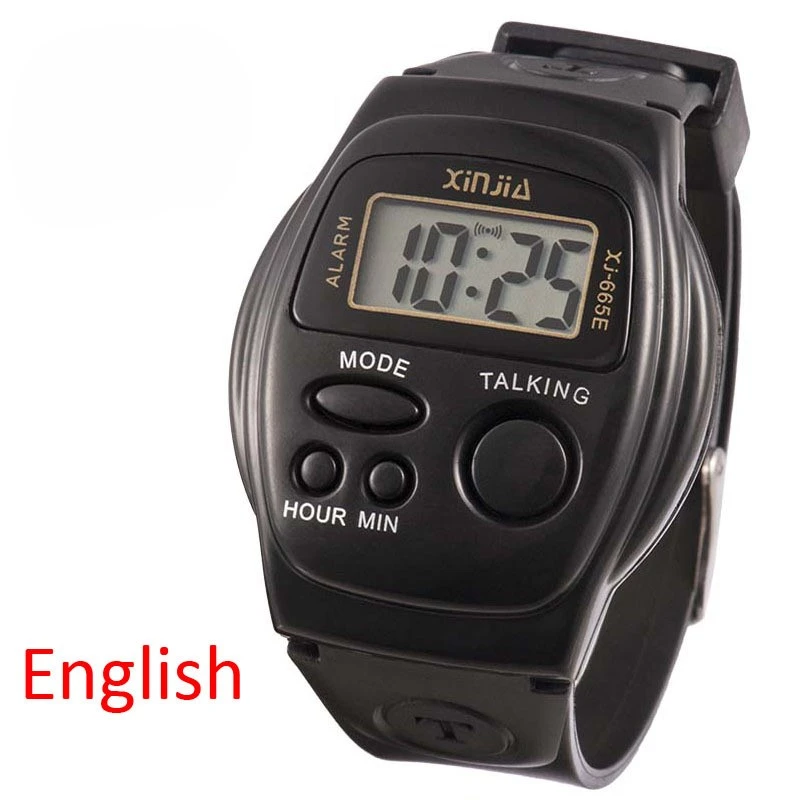
 English
 Estonian
 Finnish
 French
 German
 Greek
Greek
 Hungarian
 Italian
 Latvian
 Lithuanian
 Maltese
 Polish
 Portuguese
 Romanian
 Russian
 Serbian
 Slovak
 Slovenian
 Spanish
 Swedish
 Turkish
 Ukrainian
 Arabic
 Chinese
 Hebrew
 Georgian
 Kazakh
 Icelandic
 Uzbek
Uzbek











| Details description |
|---|
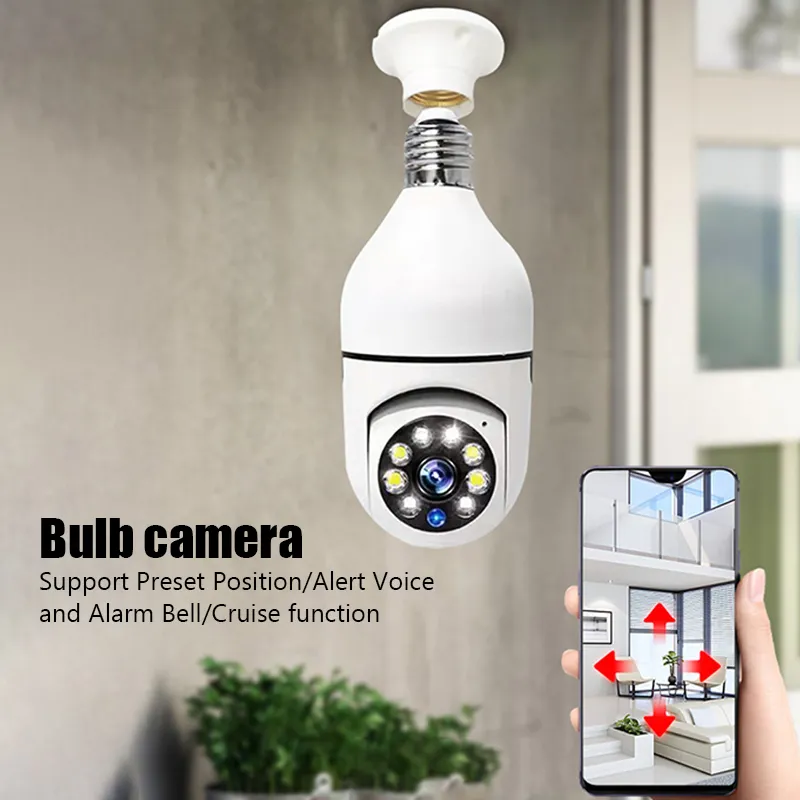
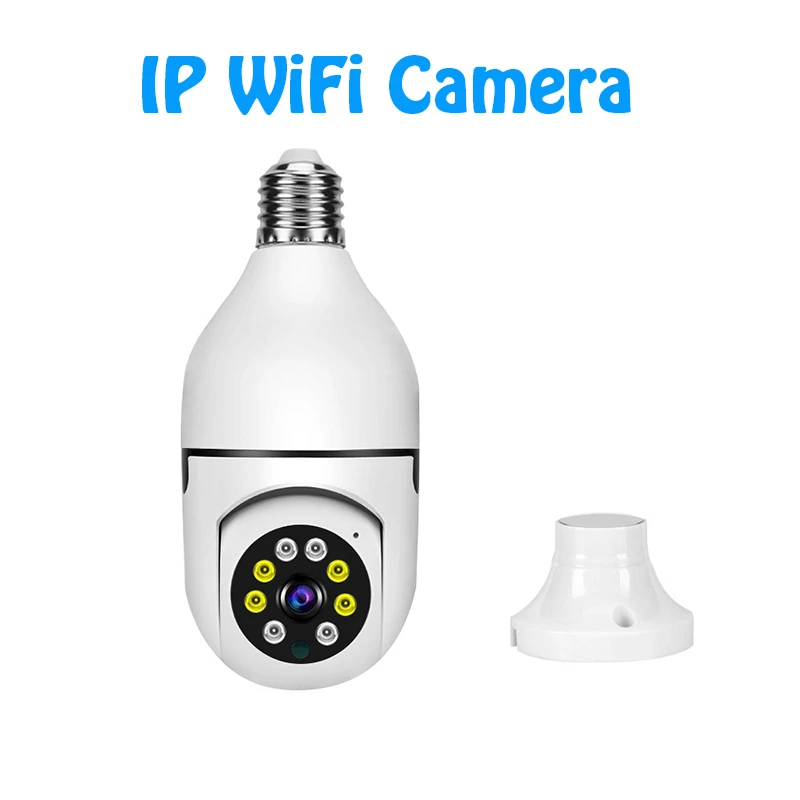
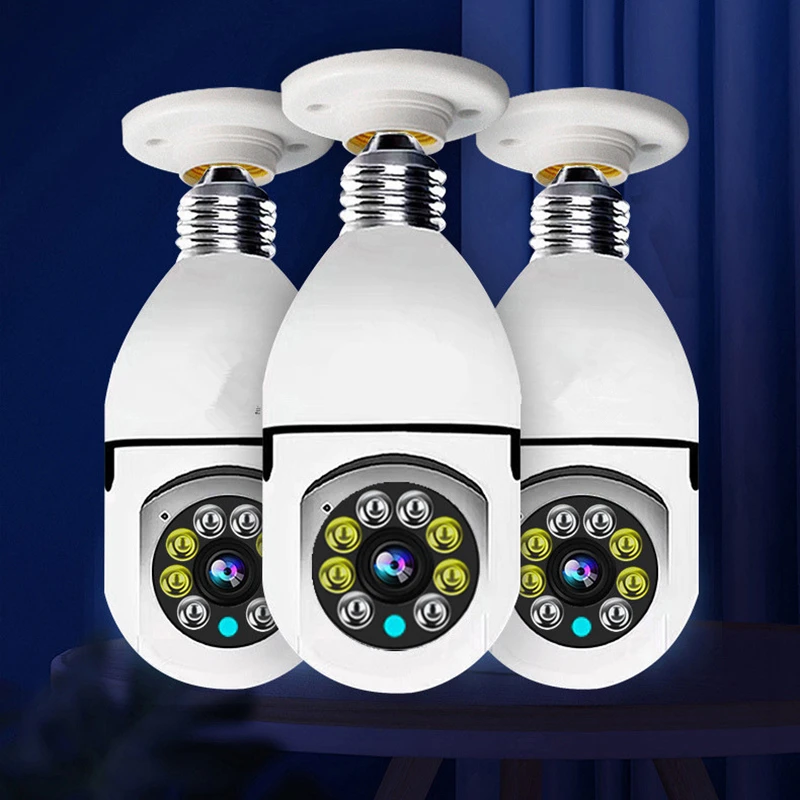
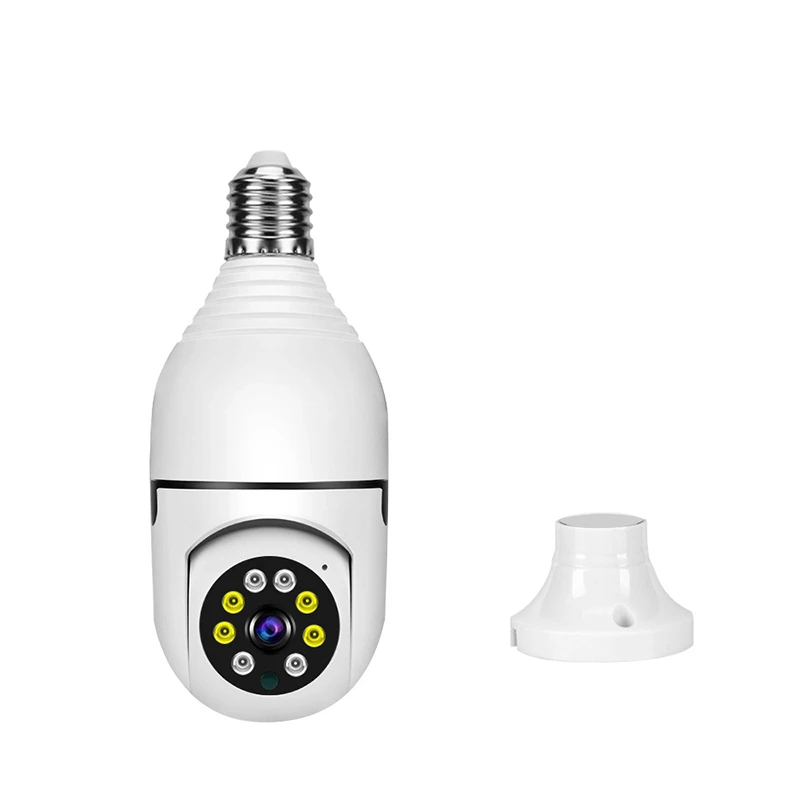
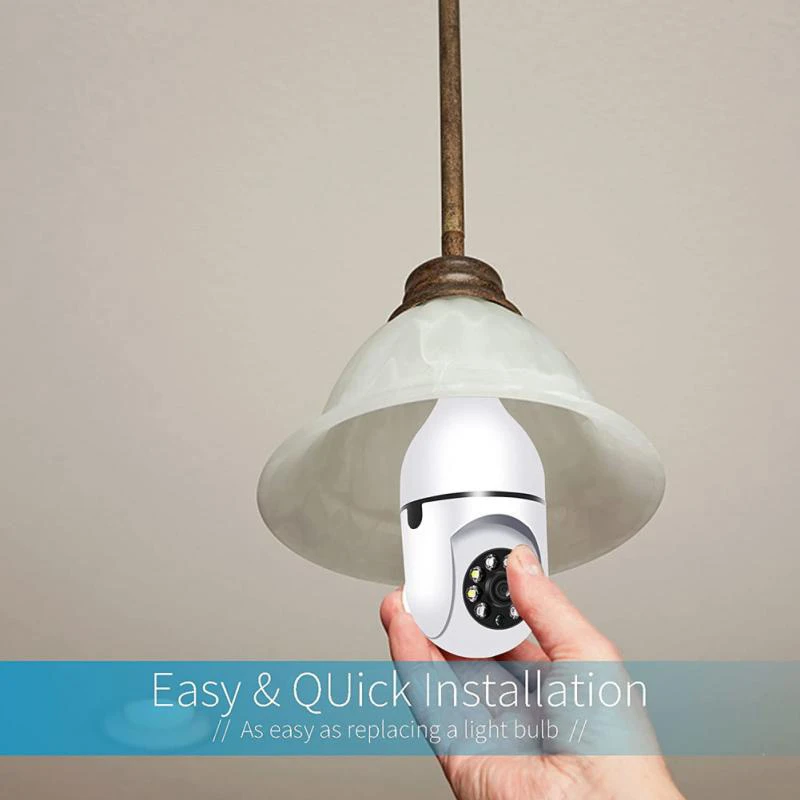
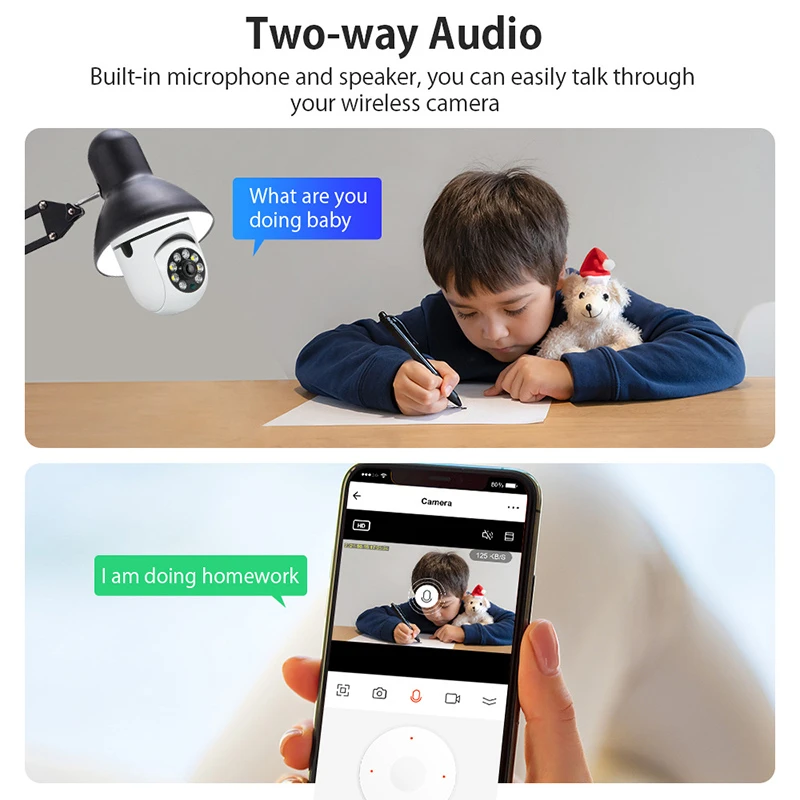
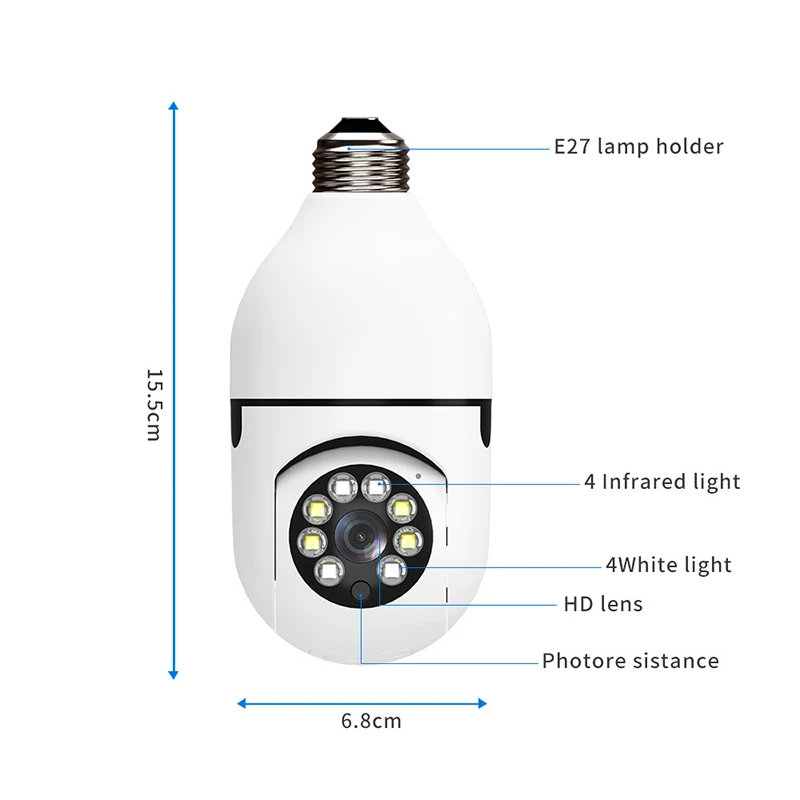
The operation method of the camera1. Connect the power supply Features: 1. Support 2.4G WIFI. 2 . Support Auto Tracking. 3. Support wireless WIFI connection. 4. Support Two-Way Audio Talk,k Speak Real Time. 5 . Support Pan 350 degrees / Tilt 90 degrees. 6 . Support TF Card Max 256GB Memory Card. 7 . Support a humanoid intelligent alert double light. 8.4x digital zoom. 9. Support TF card storage, + cloud storage. 10.10-15M (IR LED) Day and Night Vision. Package Included: 1×User Manual 1×Camera
|